P-04 / Case study
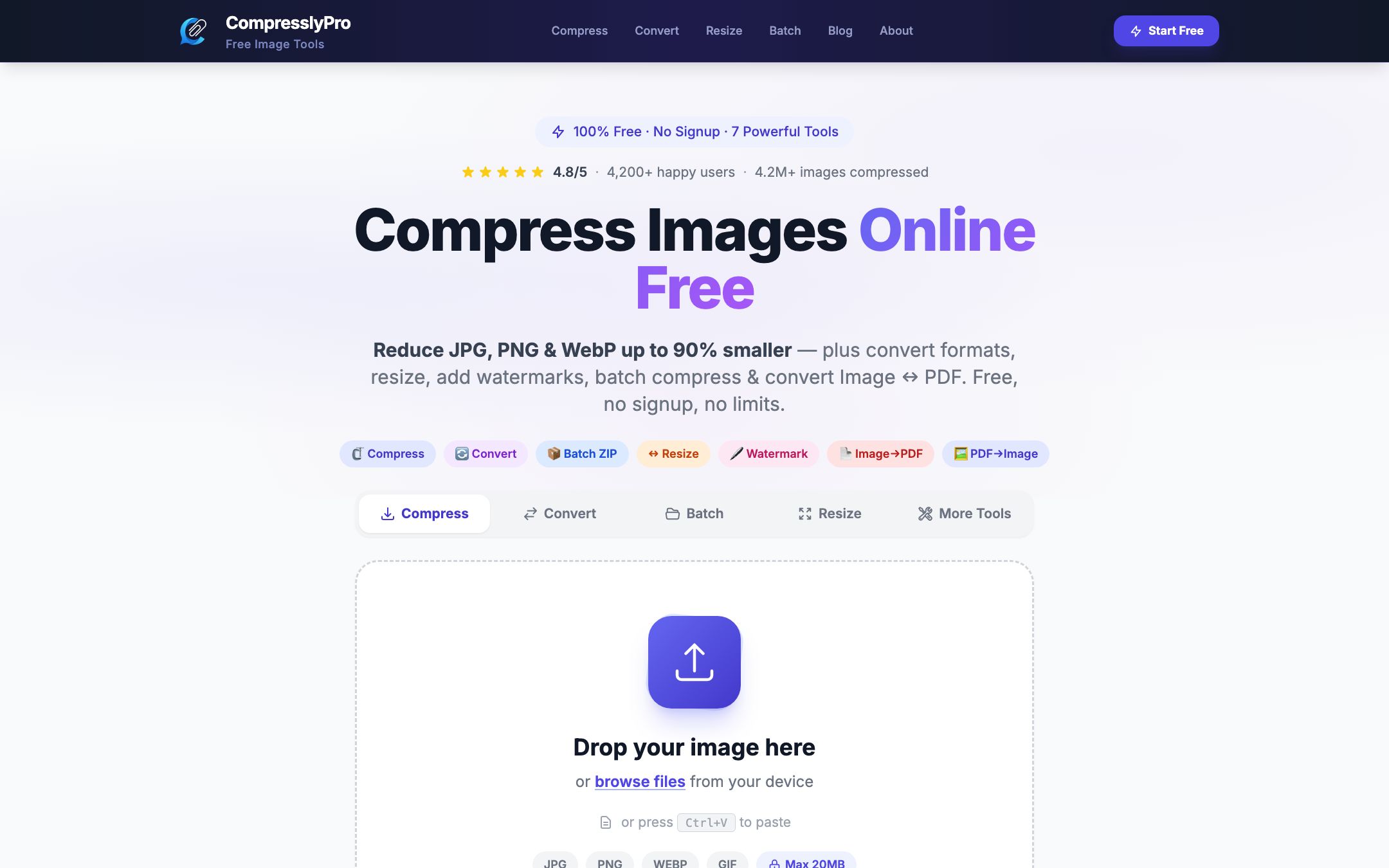
Compressly Pro
A privacy-first toolkit to compress, convert and resize images in the browser.
- Project type
- Image optimisation product
- My role
- Designer & full-stack developer
- Timeline
- Feb – Aug 2026
- Context
- Own product · open source
- Status
- Live
- Technologies
- Laravel 12
- PHP 8.2+
- Intervention Image
- DomPDF
- Alpine.js
- Tailwind CSS
- Sentry
01
The challenge
Large images are one of the most common reasons websites feel slow, especially on mobile data. Most free tools are cluttered, ask for sign-up, or keep uploaded files around.
02
My role
Designer & full-stack developer. Compressly Pro is a free online image tool built with Laravel. It compresses JPG, PNG, WebP and GIF files, converts between formats, resizes, watermarks, batch-processes into a ZIP and converts between images and PDF — with no sign-up. The public repository has more than 110 commits.
03
The approach
- 01Kept the interface to one job at a time: drop an image, pick a quality, compare, download.
- 02Processed images server-side with Intervention Image, with adjustable quality and format conversion.
- 03Made privacy a feature: uploaded files are deleted automatically after 30 minutes and no account is required.
- 04Added clipboard paste and drag-and-drop so the tool fits into a real workflow.
Development process
- Think
- Design
- Build
- Test
- Deploy
- Improve
04
Architecture overview
A simplified view of how the system is organised. Internal infrastructure details are intentionally left out.
- InterfaceBlade views with Alpine.js for upload, progress and before/after comparison
- ProcessingLaravel controllers using Intervention Image v3 (GD / Imagick)
- StorageTemporary file storage with automatic clean-up after 30 minutes
- ContentAdmin CMS for blog posts, categories, tags and media; dedicated SEO landing page per tool
- OperationsMemory-guard middleware on processing routes, scheduled upload clean-up, Sentry error tracking
05
Key features
Compress
JPG, PNG, WebP and GIF with an adjustable quality slider.
Convert
Change format while compressing.
Resize & watermark
Resize images and add watermarks.
Batch to ZIP
Process several images and download them together.
Image ↔ PDF
Convert images to PDF and PDF pages back to images.
Paste & compare
Paste with Ctrl/Cmd+V and compare original and compressed side by side.
Content & SEO
Admin-managed blog with categories, tags, RSS and an XML sitemap; a crawlable landing page for every tool.
—
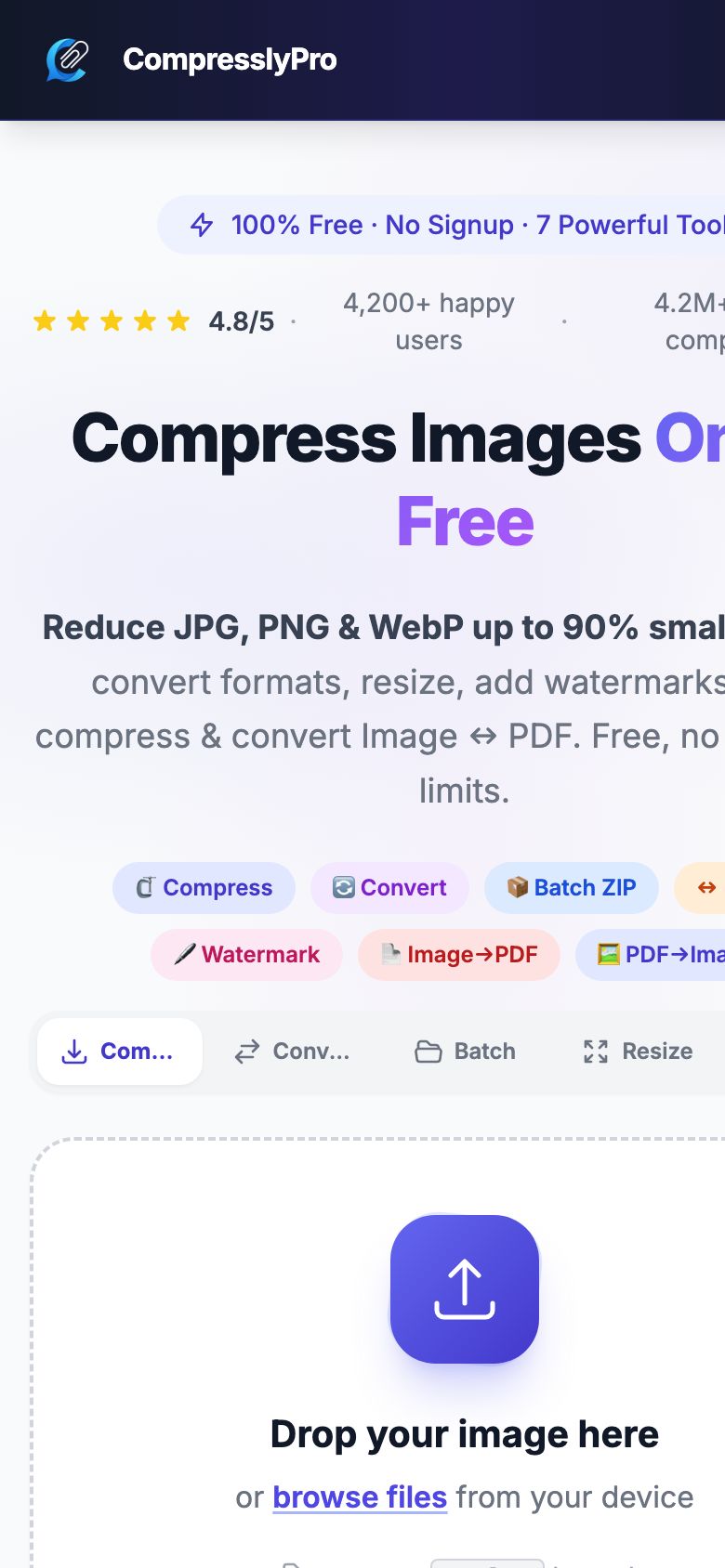
Screenshots
Captured from the live website.
06
Challenges
- Big files, small servers
- Supporting uploads up to 20 MB while keeping memory use predictable — processing routes run behind a memory-guard middleware and uploads are cleaned up by a scheduled command.
- Quality vs size
- Choosing sensible defaults so most people never need to touch the slider.
07
The result
Live as a free public tool at compresslypro.com, with the full source on GitHub (119 commits between March and August 2026).
No metrics are published here unless they have been verified.
08
What I learned
“Building a product on my own meant owning every decision — from the upload limit to the copy on the button. It made me much more careful about defaults, because most users never change them.”
— Rupesh Dahal